
Tax Preparation, Bill Payments, Budgeting Systems
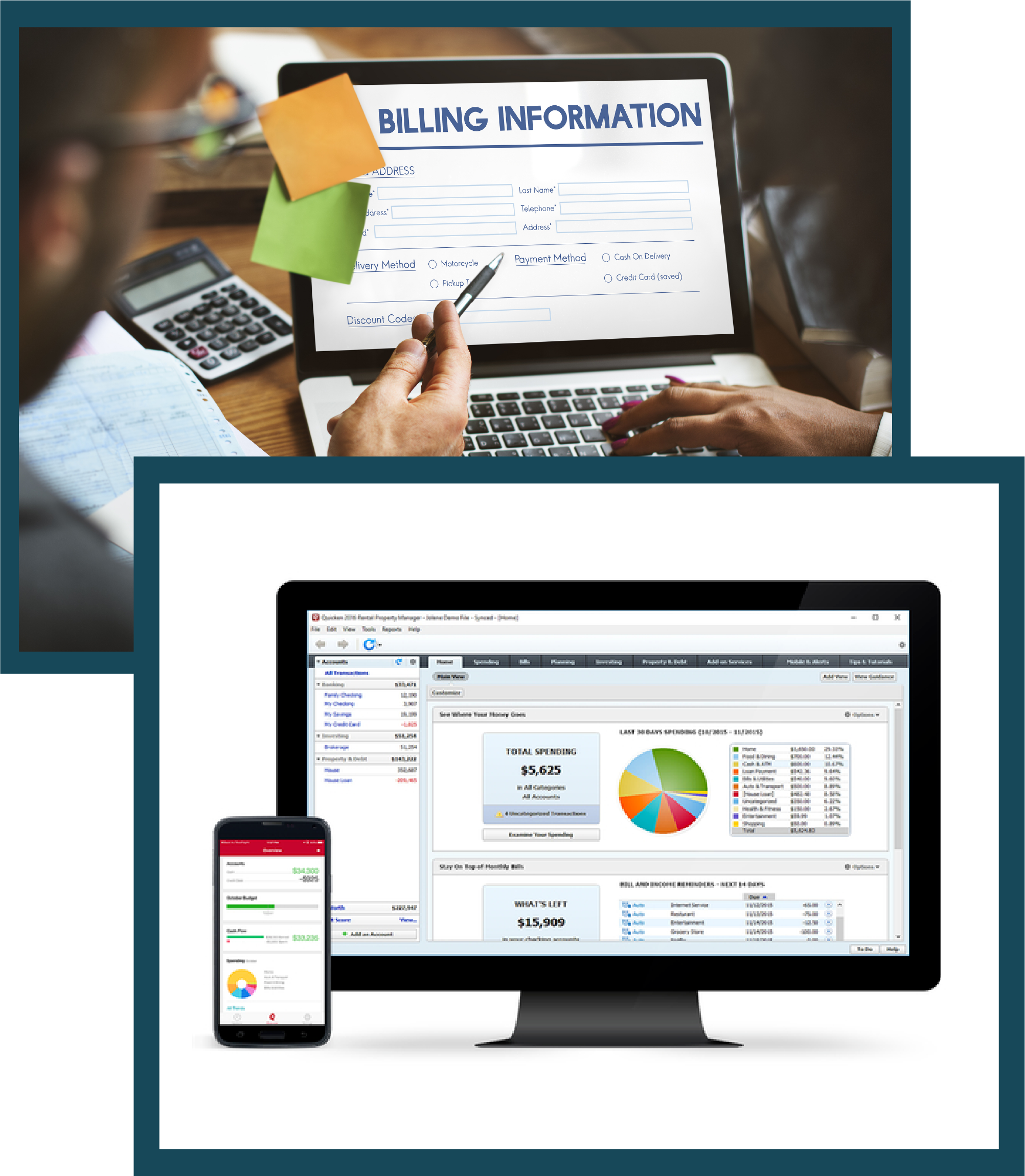
- Establishing online bill payment systems
- Creating and tracking a budget using Quicken, Quick Books or Mint
- Monitor spending with synchronized applications on all devices
- Organization of all financial documents
- Backup of financial and insurance documents
Establishing online bill payment Systems
This service focuses on creating a streamlined, reliable, and secure system for managing all recurring and one-time payments.
Initial Assessment and Setup
Inventory
Compile a comprehensive list of all recurring bills (utilities, credit cards, mortgage/rent, subscriptions, insurance premiums, etc.).
Configuration
Set up secure online accounts with each vendor (e.g., utility companies, cable provider, banks)
Automation
Configure automatic payments for stable, predictable bills (like a mortgage or subscription) to ensure timely payments and avoid late fees.
Security and Management
Secure Credential Management
Implement a secure, encrypted system (like a password manager) to store all login credentials, shared only with the client's approval.
Verification
Verify that all bill delivery methods are transitioned from paper to electronic statements/notifications.
Value to Client
Eliminates the risk of late fees, reduces paper clutter, and ensures all essential services remain active.
Creating and Tracking a Budget Using Quicken, QuickBooks, or Mint
This is the core financial planning and analysis service, providing the client with a clear picture of their financial health.
Budget Development
Data Integration
Link the client's bank accounts, credit cards, and investment accounts to the chosen software (Quicken, QuickBooks, or Mint).
Historical Analysis
Analyze the past 3–6 months of spending to establish realistic spending categories (e.g., Housing, Food, Transportation, Entertainment).
Goal Setting
Work with the client to allocate funds for savings goals (e.g., travel, home repairs) and track progress toward those goals.
Ongoing Tracking and Reporting
Categorization
Regularly review and accurately categorize all transactions within the software.
Variance Reporting
Produce monthly or bi-weekly reports comparing actual spending against the budget.
Adjustments
Recommend adjustments to spending limits in specific categories based on the tracking data.
Value to Client
Offers clarity on where money is going, prevents overspending, and provides the necessary data for tax preparation and financial planning
Monitor Spending with Synchronized Applications on All Device
This service ensures the client and DMM have up-to-the-minute visibility into the client's accounts, enhancing security and proactive management.
App Synchronization
Software Setup
Ensure the chosen financial tracking software (Quicken, Mint, etc.) is installed and synchronized across the client's and DMM's agreed-upon devices (e.g., desktop, tablet, smartphone).
Permissions
Establish appropriate access levels and permissions for the DMM to view transactions for monitoring purposes.
Daily/Weekly Oversight:
Transaction Alerts
Set up notifications for large transactions, potential fraudulent activity, or low balance warnings.
Proactive Review
Conduct daily or weekly checks for any unusual or unauthorized transactions.
Communication
Immediately notify the client of any suspicious activity or significant spending changes that may impact the budget.
Value to Client
Provides peace of mind through constant fraud monitoring and prevents bank overdrafts or missed payments due to low balances
Organization of All Financial Documents
This covers the physical and digital structure of the client's financial life, making retrieval easy and efficient.
Document Structuring (Physical and Digital)
Filing System Creation
Design a standardized, easy-to-navigate filing system (either physical folders or digital folders on a secure drive) for various document types.
Categorization
Organize documents into clear, logical categories (e.g., Taxes, Investments, Loan Statements, Medical Bills)
Digitization
Scan and digitally archive important paper documents, making them searchable and easily backed up.
Retention Policy
Shredding/Disposal
Advise the client on document retention periods and securely dispose of outdated or unnecessary documents.
Value to Client
Saves time during tax season, reduces stress from clutter, and ensures all essential documents can be located quickly in an emergency.
Backup of Financial and Insurance Documents
This critical service safeguards the client's most important documents against disaster (fire, flood, data loss, etc.).
Secure Digital Backup Strategy
Cloud/External Drive
Implement a reliable and encrypted backup solution (e.g., a secure cloud service like Dropbox/Google Drive/OneDrive with strong encryption, or an external hard drive).
Dual Backup
Recommend and establish a dual-redundancy system (e.g., one local backup and one cloud backup).
Document Inclusion
Key Financials
Include all tax returns, bank statements, investment reports, and property deeds.
Insurance/Legal
Ensure copies of all insurance policies (home, auto, life, health), wills, trusts, and powers of attorney are securely backed up.
Maintenance
Regular Verification
Schedule and verify regular, automated backup cycles (daily or weekly).
Recovery Test
Periodically test the ability to restore a document from the backup to ensure the system is functional.
Value to Client
Provides the ultimate protection against catastrophic financial loss and ensures the client's legal and financial affairs can be reconstructed after any major event.
Contact Me